Where Your MaxoTel Call Recordings Go, and What to Do With Them Next
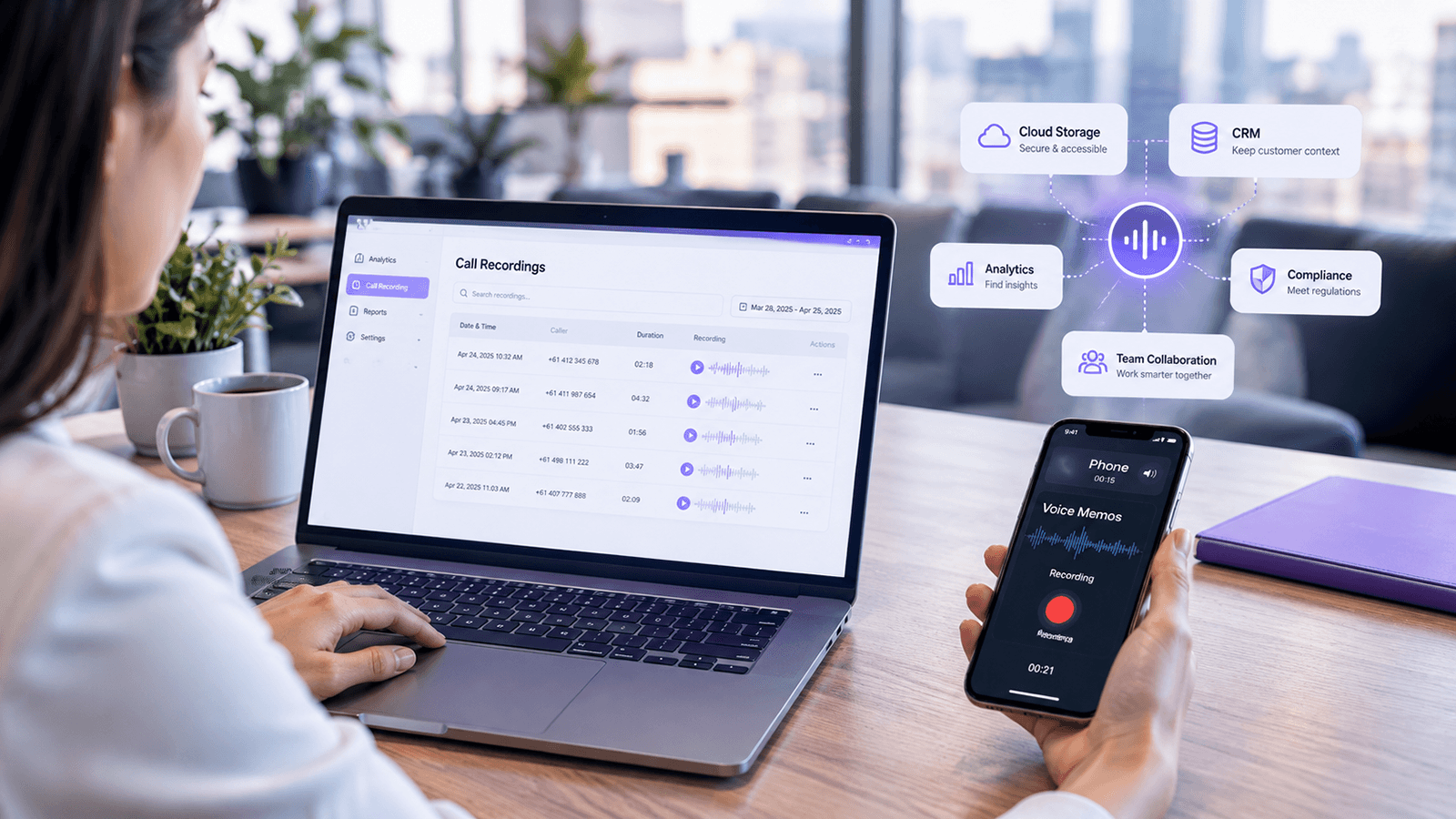
A call recorded on a MaxoTel hosted PBX is attached to its entry in Call History, where it can be played or downloaded, and it stays there until one of two retention settings removes it. Automatic backup to Google Drive, Dropbox or an FTP server puts a second copy outside the platform, which is what MaxoTel recommends doing to avoid losing recordings to its retention policy. Which destination you choose, how the files are named when they land there and how long you keep them decide whether a specific conversation can be produced two years later. This article covers all three decisions, and what a brokerage can and cannot do with a folder of audio once it exists.
Broker Relationships Outlast the Recording Policy
The conversations a brokerage most often needs to retrieve are old ones. A coverage discussion at last year's renewal. A claim notification from the year before that. A promise a client remembers differently to the file note.
Broker engagements in Australia run long enough for that to be a live question. The 2026 Vero SME Insurance Index, which surveyed more than 1,500 Australian businesses, found that 80 per cent had used a broker in the past year and that 42 per cent had used the same broker for more than three years. Engagements measured in years produce a call history measured in years, and the call worth finding is rarely last Tuesday's.
Recording policy can end up set on a much shorter horizon. Where call recording is switched on during setup, alongside the routing and reporting decisions that shape the rest of the call record, the settings governing how long the audio survives are two fields on a configuration page there is rarely a reason to revisit afterwards. MaxoTel is direct about the consequence in its own documentation: once a recording has been deleted by the retention policy, its support team cannot retrieve it.
That is the practical reason the question of where recordings go is worth answering properly rather than assuming. The phone system holds the audio under settings the brokerage chose, possibly years ago, and the backup destination, if one was ever enabled, holds whatever copies the system has sent it. Both are settings, and both can be changed at any time. Changing them does not bring back audio the retention policy has already removed, which is the reason to look at them while there is still a full archive to protect.
Consent and retention obligations sit alongside these settings and are a separate question from how the system is configured. MaxoTel notes that call recording carries legal requirements that vary by state and that using the feature lawfully is the account holder's responsibility. We have covered call recording compliance in Australia separately, and this article stays on the operational side of that line.
Where a MaxoTel Recording Actually Goes
A recorded call can be in one of three states, and which one applies to any given call depends on settings rather than on anything that happened during the conversation. The call detail record, covered at the end of this section, is a separate thing again.
On the platform, attached to its call record
When enabled, MaxoTel's call recording settings record inbound and outbound calls on the PBX, and the audio is attached to that call's entry in Call History. From there it can be played, downloaded or deleted against the individual call. Call History can be filtered by date range, direction, answered or unanswered status, duration and cost, and results matching the date range and filters can be downloaded as CSV.
That is the first thing worth being precise about. Every documented filter runs on a field of the call record, and none of them reaches the content of the audio. You can find every inbound call over four minutes on a Tuesday in March. The portal offers no way to ask which of those calls mentioned a premium increase.
In a backup destination, if one is enabled
MaxoTel's recordings backup sends copies to one of three destinations: Google Drive, Dropbox or an FTP server. It is switched on under Change Configuration on the Call Recording page, by enabling Backup Recordings and then connecting the service or entering FTP credentials.
Three details about how it runs matter more than the setup itself. Backups run automatically overnight, so the copy at the destination will not yet include recordings made since the last backup ran. Same-day recordings that have not been backed up remain available through the user portal, so there is no gap in coverage, though it is worth knowing which copy you are working from during a same-day dispute. And MaxoTel recommends enabling backup specifically to avoid the effect of its retention policy, because once a recording has been deleted by that policy its support team cannot retrieve it. The copy at the destination is the one that remains.
The three destinations suit different setups. Google Drive works with both personal and business accounts. Dropbox likewise covers personal and business. FTP backup sends recordings to other services or to your own device. That choice is worth making on access and ownership rather than on familiarity, which section 03 comes back to.
Nowhere, because the call was never recorded
Coverage is not automatic, and the exclusions are worth knowing before an audit rather than during one. Recording can be turned off for inbound calls, outbound calls or both in the global configuration. An individual extension can be set to Do Not Record. Where dynamic recording features are enabled, dial codes allow a recording to be paused and resumed mid-call, stopped and deleted in progress, or started on a specific outbound call that would otherwise not be recorded.
One behaviour inside that set is easy to read the wrong way. The per-extension exclusion applies to outbound calls placed by that extension and to calls arriving on a direct number for it. Calls that reach the same extension through a queue or a ring group are still recorded. Both behaviours can be the right one for a brokerage, but a coverage picture built on the assumption that the exclusion is absolute may not match what the system is doing.
The call record, which is there whether audio is or not
Call History covers any inbound or outbound call on the service, and shows recordings against those calls where recording is enabled. A call that was never recorded still appears. MaxoTel also exposes these records through the Call History API in JSON or CSV. Each record carries a unique call identifier, the date and time, the direction, the originating and terminating numbers, the duration in seconds, the completion status, the cost, and a field indicating whether a recording exists for that call.
That last field is the join between the two halves of the record. It tells you audio is available for a given call and nothing whatever about what is in it. Holding an export alongside the archive is an operational practice rather than a MaxoTel feature, and it is what gives a folder of files something searchable to work from. Section 07 sets out how to do it.
Your recordings are already being made. The question is what happens to them next.
Callyx.ai works from the recordings your phone system already produces, so the archive becomes something you can read rather than something you store.
What Makes an Archive Hard to Use Later
Call recording storage decisions are easy to get right and easy to leave unexamined, because nothing goes wrong until the day something needs to come out again. Five things tend to sit between a brokerage and the call it is looking for.
Retention is two settings, and one can override the other
The length of time recordings are kept depends on a disk space quota and a delete-after period together. The quota is the maximum total size of all recordings on the account. When it is exceeded, the oldest recordings are automatically overwritten by new calls, whatever the delete-after period says. A brokerage that sets a generous delete-after period and never checks the quota against its actual call volume may be keeping less than it thinks. The two settings are worth reading together, and worth re-reading after any period of growth in call volume.
Disabling recording removes what is already there
MaxoTel's documentation is explicit that when call recording is disabled, previous recordings are deleted, and it recommends downloading anything worth retaining first. That makes switching recording off a records decision rather than a billing or configuration one, and a reason to have the backup destination working before anyone touches that button.
The destination is chosen once and rarely revisited
A backup destination set up during onboarding can quietly become the wrong one. A personal Google Drive or Dropbox account belonging to whoever configured the system holds client conversations in an account the business does not control, and access to it leaves when that person does. Access review is straightforward while the destination is in mind and awkward to reconstruct later.
File naming is whatever the destination receives
MaxoTel's documentation describes how to enable backup and where the copies go. It does not document how the backed-up files are named, or what folder structure appears at the destination. That is not a gap in the feature, but it does mean the naming convention in your own backup folder is a thing to look at rather than assume, because it determines how a specific call is found once there are thousands of files. Checking it is easier while the archive is small, and matters most when it is not.
An archive grows faster than anyone can listen to it
A brokerage taking 60 recorded calls a day, across 20 working days a month, produces 1,200 recordings a month and around 14,400 a year. Those are illustrative figures built from those two stated assumptions rather than measured data, and the point holds at any volume: the audio accumulates continuously, while the time available to listen to it does not. Reviewing calls manually is genuinely useful work, and it covers the calls someone has the time to open. The remainder is retained rather than reviewed, which satisfies a record-keeping question and leaves the question of what was said unanswered.
An Archive Against a Data Source
The same set of recordings can sit in a brokerage in two quite different ways. The audio is identical in both. What differs is whether anything reads it.
- Found by date, number and duration, because that is what the call record holds
- Answers "does a recording of that call exist"
- Opened when something has already gone wrong
- Reviewed in samples, because listening is the only way in
- Value realised on the calls someone chose to open
- Grows as a storage line item
- Found by what was said, because the words exist as text
- Answers "which calls raised a coverage concern this month"
- Read as a matter of routine, not only after an event
- Covered in full, because reading is automated
- Value realised across the whole set of conversations
- Grows as an asset the business can question
What Good Looks Like
The destination is chosen for who needs access
A business Google Drive or Dropbox account, or an FTP destination the brokerage controls, keeps client conversations under the same access controls as the rest of the firm's records. Whoever needs to retrieve a call can, and access does not travel with an individual.
Retention is set against a stated requirement
The delete-after period is set against how long the brokerage actually needs conversations available. Where a call forms part of a record of personal advice to a retail client, that period is driven by the record-keeping obligation covering those records, which runs to at least seven years, rather than by whatever the phone system defaulted to.
The quota is checked against real call volume
The disk space quota is compared against a month of actual recording volume at least once a year, so the oldest recordings are not being overwritten while the delete-after period suggests they are still there.
Backup is enabled and verified, not just switched on
Someone has opened the destination folder, confirmed recordings are arriving, and noted how the files are named. A backup nobody has looked at is a setting rather than a safeguard.
The call history export is kept alongside the audio
A monthly export of call detail records carries dates, numbers, durations, outcomes and a flag for which calls have audio, which is enough to work as an index for the archive. Retrieval then starts from a searchable table rather than from a folder. Pairing the two is a practice the brokerage puts in place, not something the phone system does for you.
Someone owns it
One person is responsible for the recording configuration, the destination and the access list, and reviews all three on a set date rather than when a request arrives.
A backup keeps the conversation. It does not tell you what was in it.
Callyx.ai automatically monitors 100% of your recorded calls, turning the audio your phone system already stores into information about what was discussed. No sampling, and no listening queue.
Book a DemoHow Callyx.ai Fits
A well-run recording archive answers the storage questions completely. The recording exists, it is retained for as long as the brokerage decided, a second copy is held at the backup destination, and a named person can produce a given call on request. That is a genuine operational achievement, and a reasonable place for a brokerage to stop.
The questions it does not answer are the ones about content. Which renewal calls this month raised a coverage concern that never made it to a file note. Whether the required disclosure was actually made, and on how many calls. How a newer broker handles a client who opens by saying the premium has gone up again. Those answers are in the audio, and reaching them by hand means opening calls one at a time.
Callyx.ai connects to the existing setup so recorded calls flow through automatically, and automatically monitors 100% of your recorded calls from that point on.
Core
Every call is transcribed and stored, a summary is produced, and action items are extracted and delivered without anyone opening the recording.
Comply
Maps the brokerage's compliance obligations and flags disclosures and fee mentions call by call.
Coach
Works against a definition of excellent that the firm sets itself, and returns structured feedback on specific conversations rather than impressions.
What changes is the unit of work. A folder of audio is read one call at a time, so its value is limited by how many calls someone can open. A transcribed and analysed set of conversations can be read across a week, a team or a renewal season at once. The recordings are the same recordings. What they can be asked is different.
Setting Up Your Call Recording Storage
Write down what the configuration says today
Open the Call Recording page in the account portal and record the current state: whether inbound, outbound or both are recorded, which extensions are excluded, whether dynamic recording controls are on, the disk space quota, the delete-after period, and whether backup is enabled and to where. Most of the decisions below are adjustments to this list rather than new work, and having it written down is what makes the rest of this a single sitting.
Choose the backup destination on access, not familiarity
Google Drive and Dropbox both work with business accounts, which keeps recordings under the firm's own access controls. FTP backup sends recordings to other services or to your own device, which suits a brokerage that wants them landing somewhere it already controls. The question to answer first is who needs to retrieve a call and whose account the files will sit in once they do.
Set retention against the requirement, then check the quota against volume
Set the delete-after period against how long conversations genuinely need to be available. Then check the disk space quota against a month of actual recording volume, because the quota can remove recordings the delete-after period was meant to keep.
Open the backup folder and find a specific call
Pick a call from last month, then find its recording at the backup destination. The exercise tells you three things at once: that backup is working, how the files are named, and how long retrieval takes when someone is waiting. Doing it now is considerably easier than doing it for the first time in response to a complaint.
Export a month of call history and keep it with the archive
Export call detail records for a month as CSV, from the portal or the API, and store the export alongside the recordings. The export carries the dates, numbers, durations, outcomes and the flag for which calls have audio, which is what gives the archive something searchable to find a call from. The audio on its own does not offer that.
None of these five steps is a large piece of work, and the decisions they settle hold for years. The recording configuration is one of the few settings in a phone system where a decision made once determines what the business can produce long afterwards.
Summary
MaxoTel keeps a recorded call attached to its entry in Call History, under a disk space quota and a delete-after period that work together, and once the retention policy removes a recording it cannot be recovered. Automatic backup to Google Drive, Dropbox or an FTP server runs overnight and is what MaxoTel recommends to avoid losing recordings to that policy, which makes the copy at the destination the one that matters for anything a brokerage may need years later. The destination, the naming, the retention period and the access list are four separate choices for the brokerage rather than one, and each is straightforward to make deliberately once someone opens the page.
Getting all four right produces a complete, retrievable archive of client conversations. What that archive can answer is still bounded by the call record: dates, numbers, durations and whether audio exists. The conversations themselves stay closed until something reads them, which is where Callyx.ai works, transcribing and analysing recorded calls so a library of individual files becomes something a principal can question across a whole week of client contact.
Frequently Asked Questions
About the Author
Vincent Keogh
Vincent is an operations specialist on the Callyx.ai team, writing for compliance managers and principals on how to get maximum value from recorded calls: across compliance, staff training, and business performance.
Primary Sources
- MaxoTel, Call Recording (account portal guide)
- MaxoTel, Call Recordings Backup (Google Drive, Dropbox, FTP)
- MaxoTel, Portal Guide - Call History
- MaxoTel, API - Call History/CDR Documentation
- MaxoTel, Call Recording (feature overview)
- MaxoTel, Call Recording and Monitoring Legal Requirements
- Suncorp Group, Vero's 2026 annual SME Insurance Index
- ASIC Corporations (Record-Keeping Requirements for Australian Financial Services Licensees when Giving Personal Advice) Instrument 2024/508
Related Articles
Your calls are already being recorded.
Now make them count.
Recorded advice conversations are reviewed against your compliance criteria, with issues flagged and documented. Less reliance on sampling. Fewer blind spots.